
Start with the experience you want
If you are looking for an app like Locket, you probably want friends’ photos on your home screen without posting to a public audience. The more useful question is what you want to happen after a photo arrives: enjoy it today, keep it in a gallery, or use it as the start of a conversation.
This guide is published by DuoFrame, one of the apps discussed. It compares stated features, rather than ranking apps we have not tested. Competitor details are linked below and were checked on October 3, 2026. Features and availability can change.
DuoFrame: little moments that expire
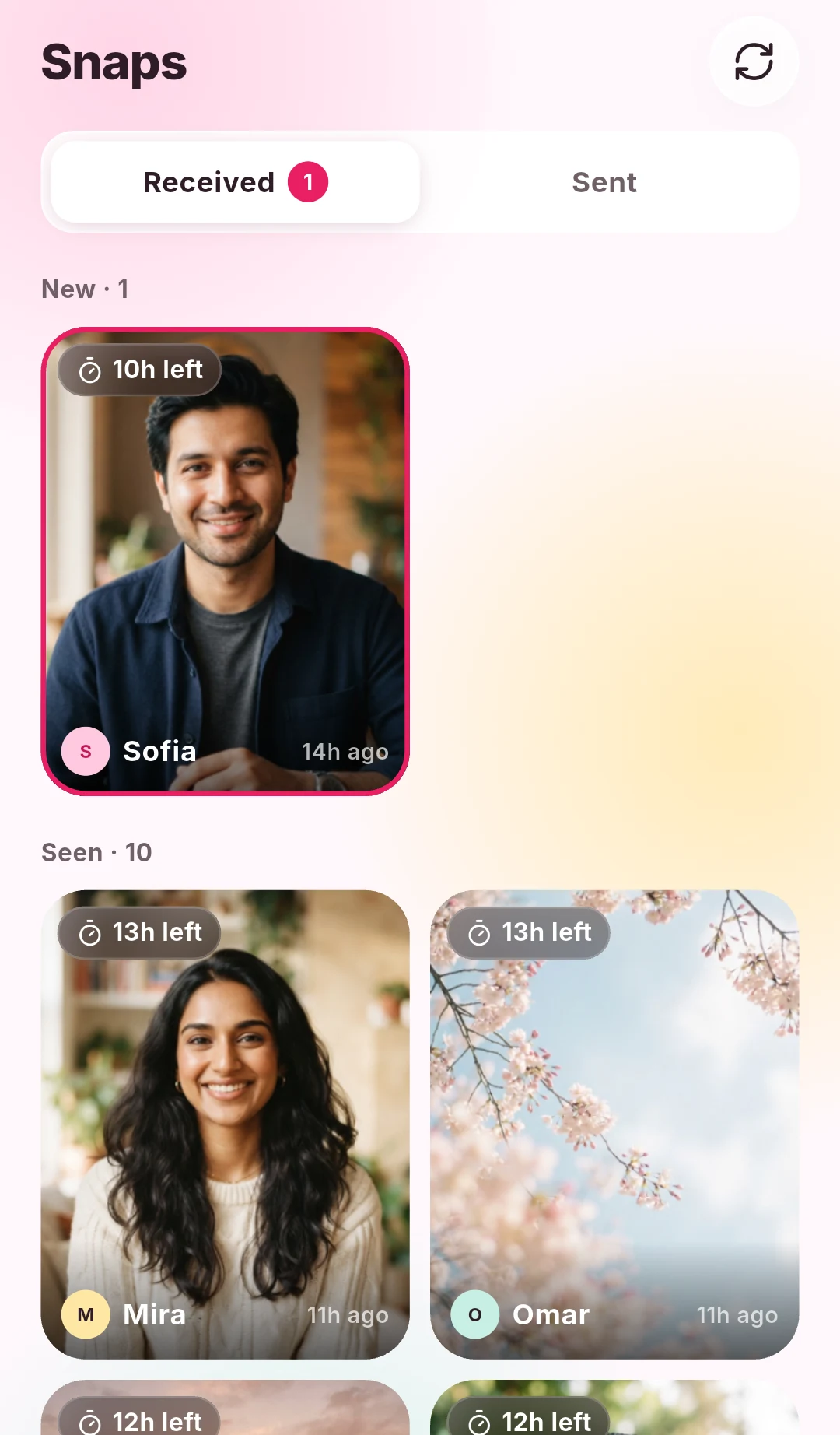
DuoFrame is an Android photo widget app for close friends, partners, and family. Add friends by invitation, send a photo with an optional caption, and choose one or several recipients. Received photos can appear on your home screen widget.
Its defining choice is the 24-hour snap lifetime. DuoFrame is a fit when you want to share what is happening now without building a permanent in-app photo archive. Friends can react to snaps, and you can manage notification preferences.
Consider another approach if a lasting gallery is the main thing you want. Expiry also does not stop a recipient from taking a screenshot, so choose your friends and photos thoughtfully.
Locket: photos from your best friends
Locket’s official help center describes a widget that displays pictures sent by friends on your home screen. That shared-photo experience is the reason many people discover this category through Locket.
If you already use Locket with your circle, check its current app listing and help center before switching. Your friends’ willingness to use the same app matters as much as any individual feature.
Together: sharing with a saved gallery
Together’s official website describes photo and video sharing to individuals or groups, a home screen widget, reactions, and one-to-one chat. It also describes a gallery that keeps sent and received moments.
That makes Together worth considering if preserving a shared collection matters more than having snaps expire. DuoFrame takes the shorter-lived approach; Together describes an experience that includes looking back at earlier photos.
Five questions to ask before choosing
Try the experience with one friend before asking your whole circle to move. Check the current store listing for your devices, pricing, and any subscriptions. This guide does not claim that any app is free of ads, subscriptions, or limitations.
- Does everyone in your circle have a supported phone?
- Do you want photos to expire or remain in a gallery?
- Can you choose who receives each photo?
- Do you want only photos, or also video and chat?
- Are you comfortable with the app’s privacy policy and account deletion options?
When DuoFrame makes sense
Choose DuoFrame if you want a small-circle Android photo widget built around today’s moments. A coffee, a walk, or a quick “thinking of you” fits the format. You can install it, invite one person, and decide together whether this is a habit you enjoy.
DuoFrame is independent of Locket and Together. Their names belong to their respective owners; mentioning them here does not imply affiliation or endorsement.