
Share the ordinary parts of your day
When you live apart, a call can cover the big news while leaving out the small details. A photo of your breakfast, the view from your desk, or something funny on your walk gives your partner a glimpse of what you are seeing.
Photo sharing does not need to become another obligation. Agree on a rhythm you both enjoy, and leave room for busy days. A widget is a way to notice a moment, not a measure of how much someone cares.
Try a small ritual
Pick one idea for a week. If it feels forced, change it. The useful habit is the one you both want to keep.
- Send your first cup of coffee or tea, even if your mornings happen in different time zones.
- Share one detail your partner would notice: a dog, a bookshop, or a favorite snack.
- Trade the view from wherever you finish your day.
- Send a photo with one short sentence about what it made you think of.
- Choose a weekly theme, such as something yellow or something that made you laugh.
Choose between a daily moment and a keepsake
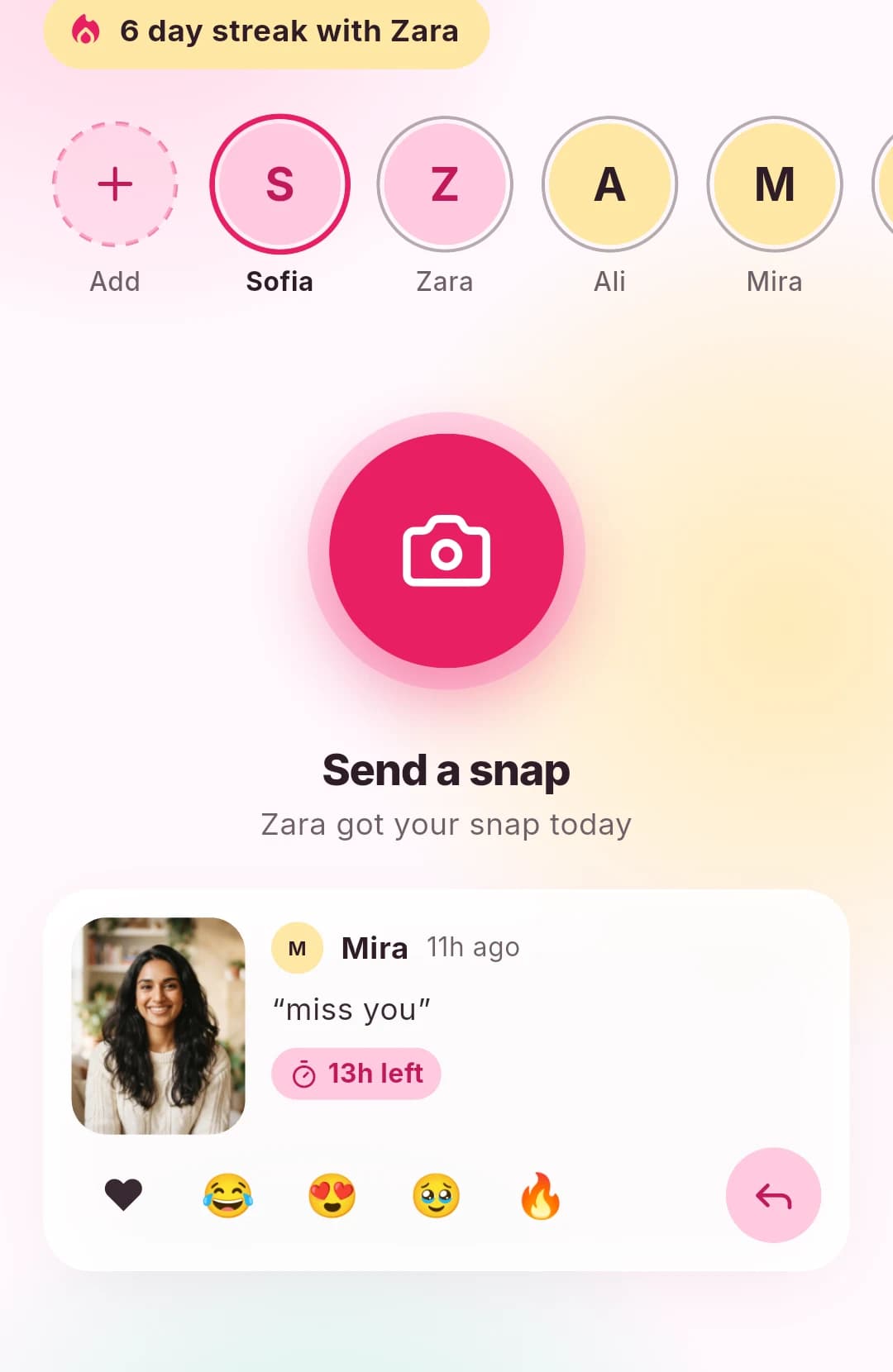
DuoFrame snaps disappear after 24 hours. That makes them suitable for “here is my day” photos rather than important memories you need to preserve. Keep anniversary pictures and other keepsakes in a separate album you both choose.
If you send something worth saving, discuss that expectation beforehand. Disappearing photos do not prevent screenshots or copies. Avoid sharing anything you would be uncomfortable with the recipient keeping.
Give your partner space to respond
A photo can be a hello without requiring an immediate conversation. React when you have a moment, or reply with a photo later. A delayed response may simply mean your partner is working, sleeping, or away from their phone.
Set notification preferences around your actual routine. If either person feels distracted, reduce alerts or agree that snaps can wait. Keep important conversations in a format where you can both give them attention.
Set up a shared photo widget
For an Android circle, install DuoFrame, create your accounts, and accept each other’s friend invitation. Add the DuoFrame widget to your home screen and exchange a test photo.
You can choose the recipients of each snap, so check your selection before sending a photo intended only for your partner. A shared photo widget is one small way to stay in touch; it works best alongside the conversations and plans that matter to both of you.