Daily question
Answer with a line or a photo. You see their answer once you’ve both replied.
You and your partner pick each other as “your person”. It only counts when both of you choose, so nobody is guessing who comes first.
Once you’re paired, you share a daily question, DuoShot, a countdown to when you next meet and a widget that shows their latest photo.
Get DuoFrame on Google Play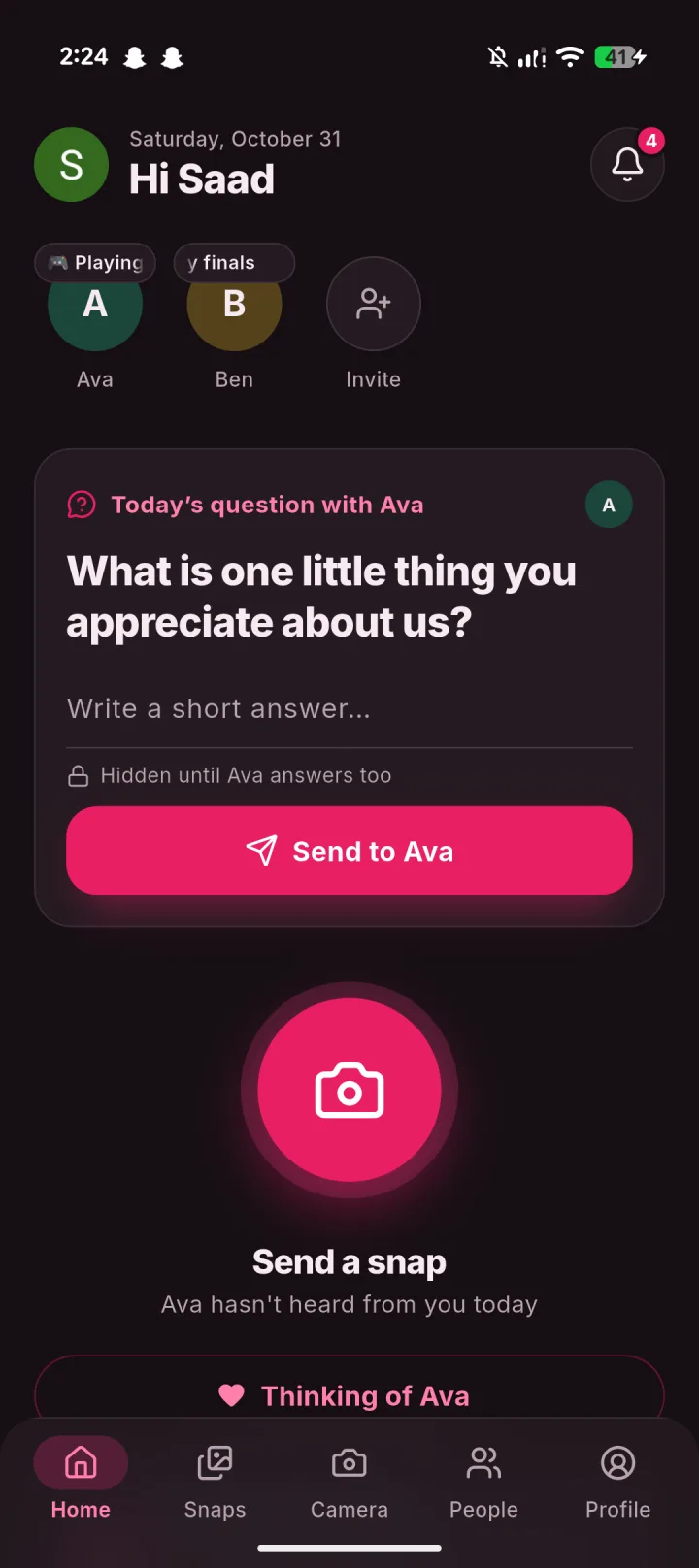
Send your link on WhatsApp. They join and you’re connected.
Tap “Make … my person” on their profile. They say yes.
Their photos, captions and songs on your home screen.
Answer with a line or a photo. You see their answer once you’ve both replied.
One tap sends a heart that floats up on their screen.
Either of you can end it. You stay friends and your photos stay.
DuoFrame puts your partner’s latest photo on your home screen and adds a daily question and DuoShot for the two of you. It is free on Google Play.
No. Your person is one person and it is mutual. You can still have up to 100 friends and groups of up to 20.
Either of you can end it from their profile. It ends for both of you, and you stay friends unless you remove them.